Metro Manila's Phone Snatchers Keep Getting Caught on Camera. Here's the Evidence Gap Nobody Talks About
PinGuard Team · September 7, 2026 · 4 min read
In May 2026, a woman riding a jeepney near PBCom Shaw Boulevard in Barangay Kapitolyo, Pasig, had her phone — reportedly worth ₱72,000 — grabbed by a man on a motorcycle. Pasig police caught up with him days later; when they searched him, they also found an improvised firearm and suspected shabu, according to Manila Bulletin. A month earlier, four suspects — including a minor — were arrested across Manila for a string of similar grabs targeting motorists stuck in traffic. Several of the incidents were caught on dashcam and bystander phone video, footage the city's mayor later showed on his own weekly broadcast, according to Manila Bulletin.
Two things stand out about both cases. The snatch itself took seconds. And the arrest depended almost entirely on video that had nothing to do with the stolen phone — someone else's dashcam, someone else's phone, someone else's CCTV.
What the phone knows that the dashcam doesn't
A bystander's camera can place a suspect at a location at a given time. It generally cannot show what happened to the phone afterward, or connect a suspect to actually using that specific device once it changes hands. The phone itself can do both — but only if it was set up to before it was taken.
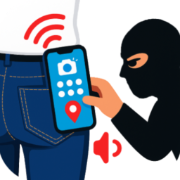
Here is the part that matters for Metro Manila specifically: most snatched phones are locked at the moment they are grabbed. Someone riding a jeepney or tricycle, or walking with a phone in a pocket or bag, is usually not mid-unlock the way someone actively browsing on a sidewalk might be. That means whoever ends up holding the phone — the snatcher, a buyer, a reseller — has to get past the lock screen before they can use it, resell it as working, or wipe it clean. The moment they try and fail, a security app can turn that single failed attempt into a photo of whoever is holding the phone, taken on the front camera, plus the phone's exact location — sent out immediately by email, independent of whatever camera happens to be nearby. That is the mechanism behind PinGuard's setup guide, and it is not switched on by default — the guide's last step is specifically about enabling it.
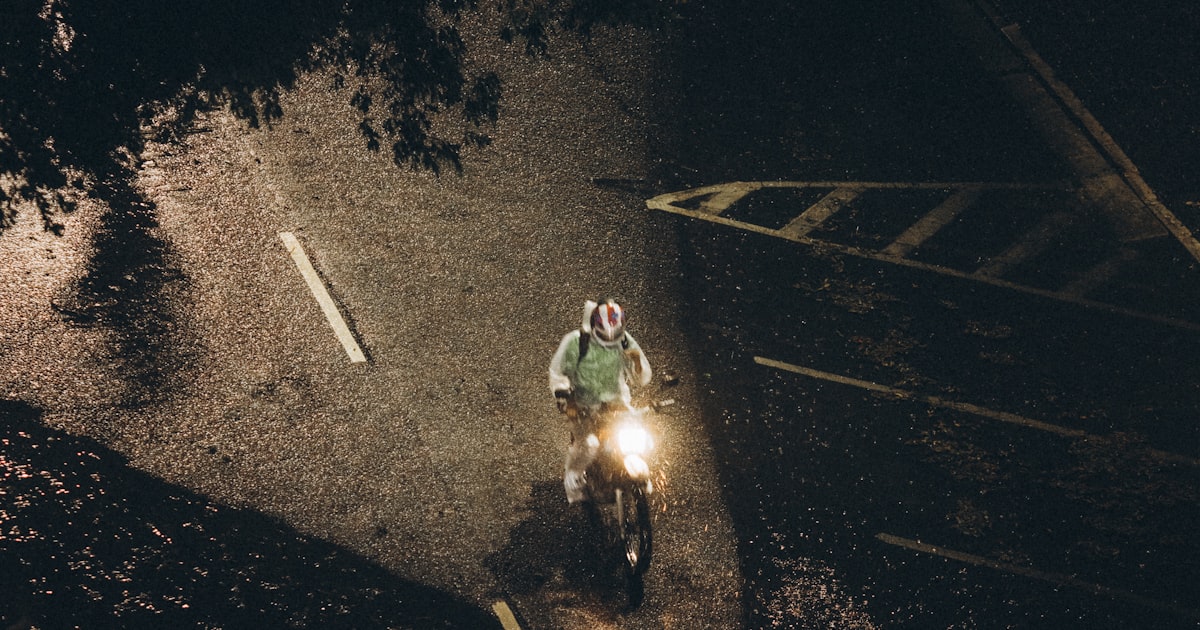
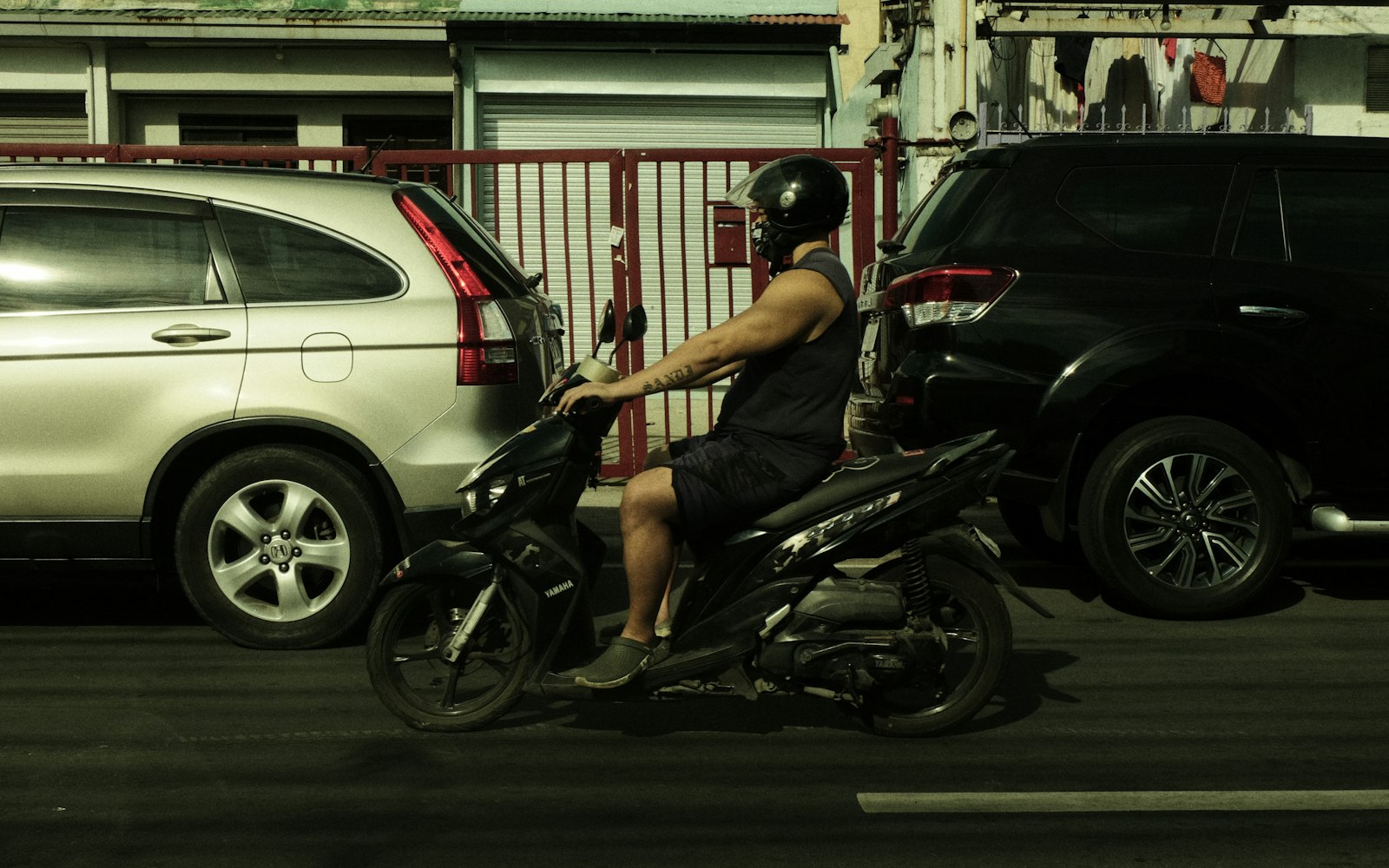 Most reported grabs in Metro Manila involve a rider on a motorcycle who is gone in seconds. Photo by ethan / Unsplash, Quezon City.
A SIM change is its own alarm
Swapping the SIM is usually the next move after a snatch, since it is how a resold phone gets back online under someone else's number. It breaks less than most people — and most thieves — assume, and it is one of the clearest signals available that a phone is not coming back on its own. An app that watches for exactly that change can treat it the same way it treats a failed unlock: as a reason to capture and send out a photo and a location, before the trail goes any colder.
What this doesn't do
It will not stop the grab itself — nothing on the phone can. And it depends on the thief actually trying to unlock the device: power it off immediately, or reset it from recovery mode before ever reaching the lock screen, and no alert fires until it resurfaces on a network somewhere. That is exactly why your own next moves still decide most of the outcome, regardless of whether a photo ever comes through.
What to actually do
Report it to the nearest police station, or call 911, the national emergency hotline, if you need an immediate response. Ask your telco — Globe or Smart — to blacklist the phone's IMEI so it cannot be reactivated on their network; do this whether or not you also suspend the SIM, since they are separate requests. And check Google's Find My Device before assuming the phone is gone for good — it works over Wi-Fi even with no SIM inserted at all, which covers more situations than most people expect. The full sequence, in order, is in our stolen phone checklist.
The arrests above happened because a camera that had nothing to do with the stolen phone happened to be rolling at the right moment. Setting up your own phone to generate that same evidence doesn't rely on luck.